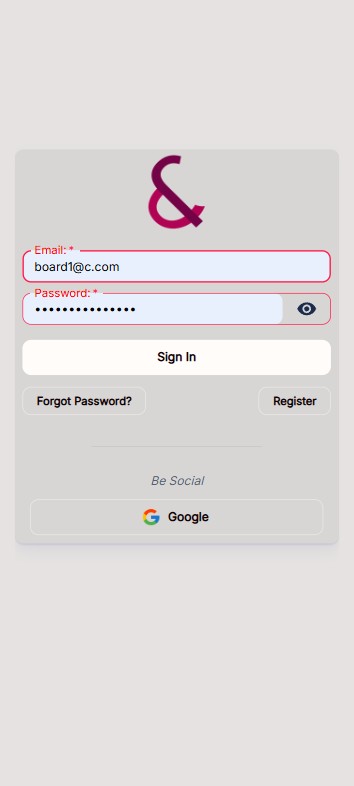
- Open the Clubiam site and choose Sign In (or navigate directly to
/login).
- Enter the email address you registered with; invalid email formats are blocked before submission.
- Type your password. The form enforces the 8 to 30 character policy with upper/lowercase, number and symbol requirements.
- Select Sign in to authenticate with email and password, or pick Google to continue through Google OAuth.
- Wait for the spinner to finish; successful sign-in auto-redirects you to the Home feed.
- If you see an error snackbar, review the message, then retry, reset your password, or complete email verification before trying again.
Tips
- Use Forgot Password on the form if you cannot recall your credentials.
- Stay signed in until you log out from the avatar menu or your tokens expire.
- Invited users must verify the welcome email before their first login will succeed.